

Posted date: Jan 30, 2026
It’s a fair question, and one we hear often:
“If you’re already patching our systems, why do we need vulnerability management too?”
Patch management is critical to your cybersecurity posture, but it only addresses part of the risk. Vulnerability management answers a different — and more operational — question: What’s still exposed, and why?
Patch Management vs. Vulnerability Management: The Practical Difference
Here’s the simplest way to think about it:
Patch management installs updates.
Vulnerability management tests real-world exposure and verifies what’s still vulnerable.
Patch management focuses on what should be installed. Vulnerability management focuses on what can actually be exploited.
They’re complementary, but not interchangeable. The challenge is that many organizations stop at patching, assuming the job is done.
Why Patching Alone Isn’t Enough
Patch management does exactly what it’s designed to do:
- Installs vendor-provided updates for operating systems and common applications
- Reports on patch status (compliant, missing, failed)
What it doesn’t do is assess how systems are configured or exposed after those updates are applied.
According to Verizon’s 2024 Data Breach Investigations Report, misconfigurations and credential issues remain among the leading causes of breaches, even in fully patched environments.
In other words, a system can be “up to date” and still be insecure.
Patch Tools Don’t See Everything on Your Network
Most patching platforms are limited to endpoints and a predefined application catalog.
Vulnerability management expands visibility to include:
- Firewalls, switches, printers, NAS devices, and IoT
- Server roles and services (IIS, SQL, RDP exposure)
- Applications that patch tools don’t reliably detect or update
According to Microsoft, up to 90% of successful ransomware campaigns leverage unmanaged endpoints, which are typically personal devices that people bring to work.
If it’s connected to your network, it contributes to your risk profile — whether it’s patched or not.
Not Every Risk Has a Patch
This is where patch management fundamentally stops being useful.
Some of the most common and most dangerous vulnerabilities have nothing to do with missing updates.
Vulnerability management identifies issues such as:
- Weak or outdated encryption (e.g., TLS 1.0 still enabled)
- Insecure protocols (e.g., SMBv1 or SMB signing disabled)
- Exposed services (like RDP open to the internet)
- Default credentials or local admin password reuse
Patch management can’t detect these conditions. Vulnerability management can.
“Fully Patched” Does Not Mean “Secure”
One of the most common and costly assumptions we see is that 100% patch compliance equals strong security.
Patch reports confirm that updates were installed. They don’t account for how systems are configured, how services are exposed, or how credentials are managed once those updates are in place.
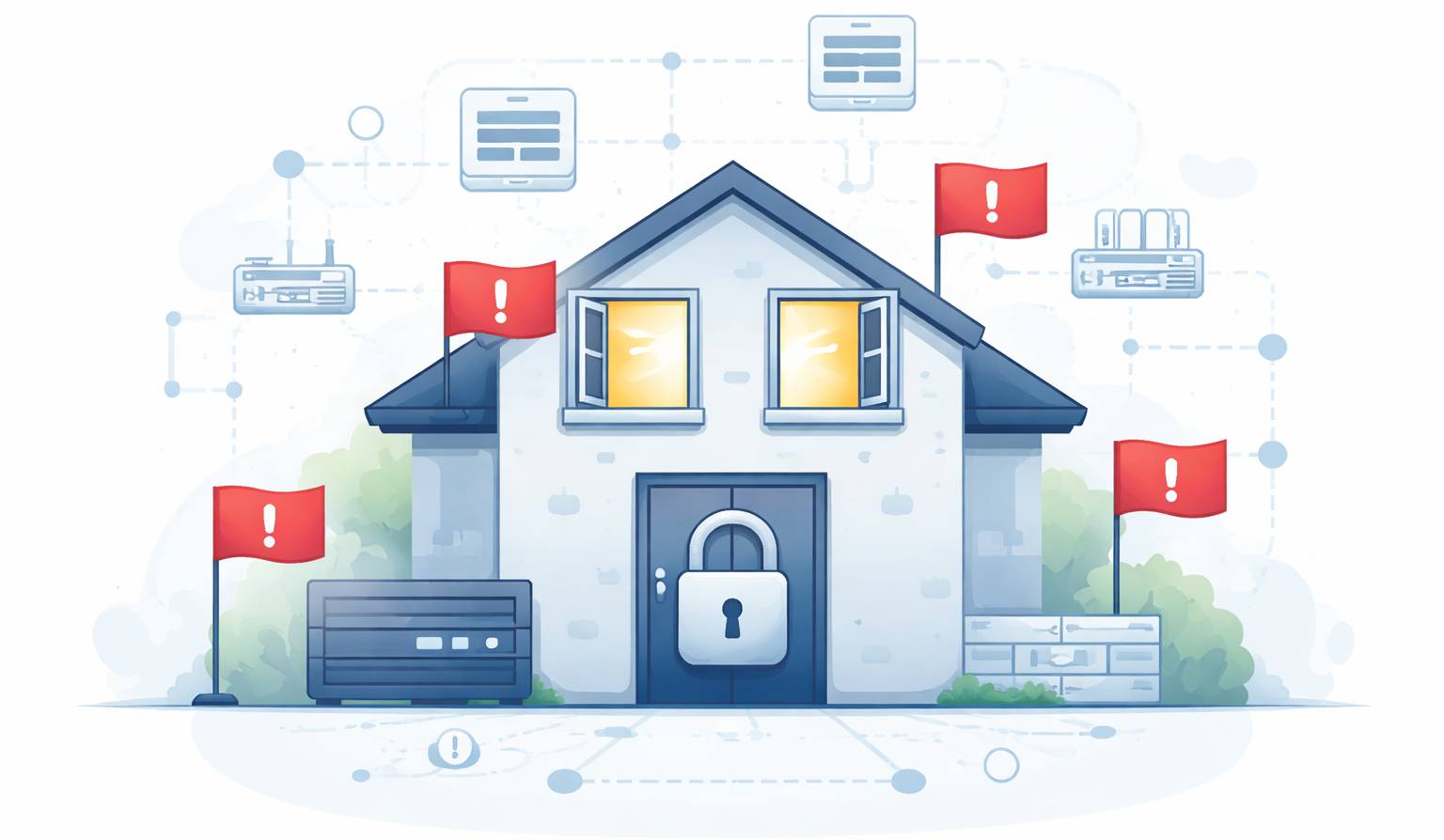
That’s why we regularly see environments that appear “fully patched,” yet vulnerability scans still flag serious risks such as:
- Insecure TLS settings that allow weak or outdated encryption
- Legacy SMB configurations that expose file-sharing protocols attackers actively exploit
- Local administrator password reuse, which enables lateral movement once a single device is compromised
- Externally exposed services that unintentionally provide attackers a direct entry point
These are not edge cases. They’re common conditions created by default settings, legacy software, system upgrades, or operational shortcuts — and they often persist quietly for years unless they’re explicitly identified and remediated.
Attackers don’t care whether your updates installed successfully.
They care whether there’s a misconfiguration, exposed service, or weak control they can use to get in — and stay in.
Organizations with strong vulnerability identification and remediation practices reduce breach costs by over 30%.
The Industry Problem: Vulnerability Management Without Remediation
Many MSPs advertise vulnerability management, but what they actually deliver is vulnerability scanning — a report listing issues, with little urgency or accountability around fixing them.
Finding vulnerabilities is easy.
Fixing them efficiently and consistently is where most providers fall short.
This gap between scanning and remediation is where real risk accumulates — and where Macro operates differently.
How Macro Approaches Vulnerability Management Differently
At Macro, vulnerability management isn’t a report or a checkbox. It’s an active remediation process.
Here’s how Macro executes vulnerability management:
- Dedicate service hours specifically to vulnerability remediation
- Prioritize issues based on real-world exploitability and asset criticality
- Remediate configuration issues, legacy components, and exposure gaps
- Validate that fixes actually remove the vulnerability
- Reduce risk month over month
Meaningful vulnerability management needs hands-on effort — scripting, configuration changes, testing, and cleanup. At Macro, we treat it as a discipline, not an add-on.
Because knowing where you’re vulnerable only matters if someone is actually fixing it.
Looking for support to identify and remediate vulnerabilities?
Let’s close your security gaps. schedule a meeting with Macro